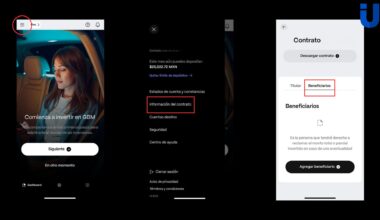
ALTA ASESOR IBKR
1. INGRESA AL PORTAL DE IBKR
https://www.interactivebrokers.co.uk/sso/Login?RL=1&locale=es_ES

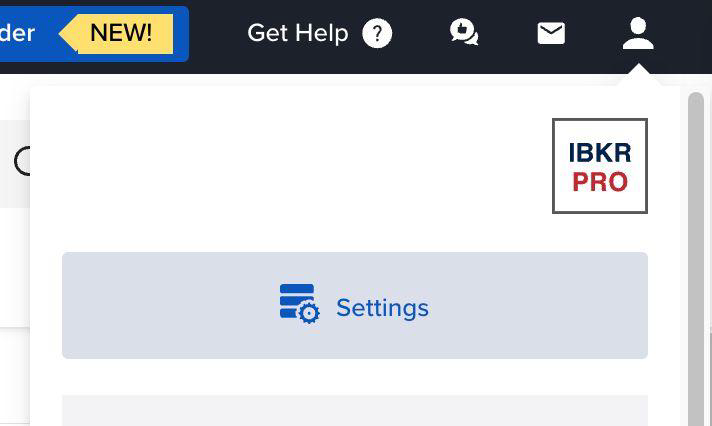
2. EN TU PANTALLA PRINCIPAL SELECCIONA EL ICONO DE LA PERSONA

3. SELECCIONA SETTINGS
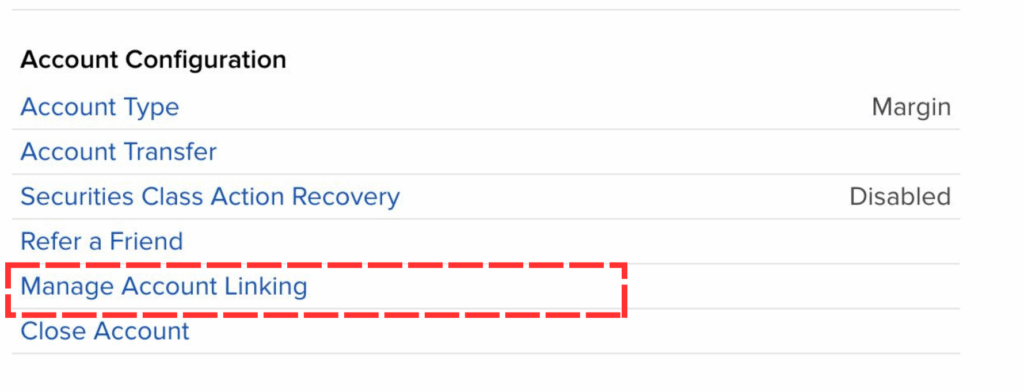
4. VE A LA SECCIÓN DE “ACCOUNT CONFIGURATION”
a) Seleccione Manage Account Linking
5. TE APARECERÁ EL SIGUIENTE MENÚ
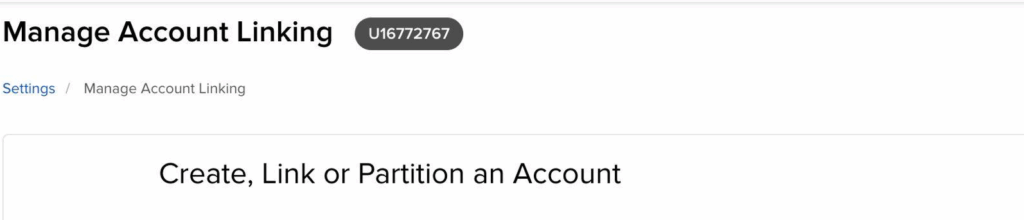
- Input the Account ID and title of the Advisor or Broker you want to link to.
- Selecciona “Create a New Linked Account That Will Be Managed by an Advisor/Broker”, y pica Continue.
- Firme los acuerdos requeridos escribiendo su firma y haciendo clic en “Acepto”.
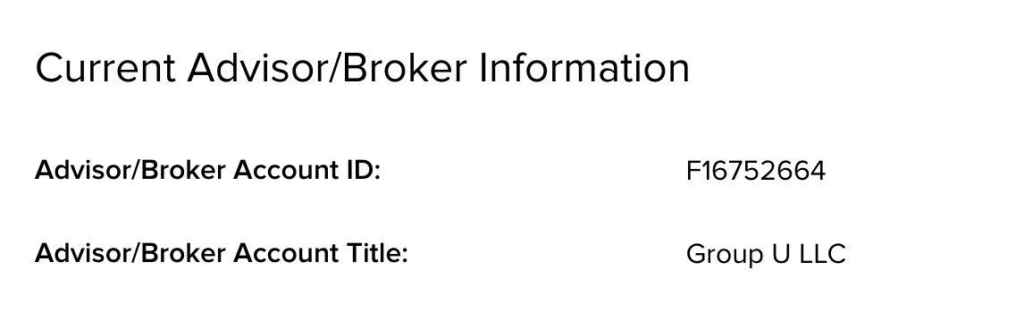
d. Se enviará una solicitud por correo electrónico al asesor. Este debe aprobar su solicitud (a través de “Asuntos pendientes”).